Examples
See Quanta in action.
🚧 Work in Progress 🚧
This page is currently being updated with new examples and documentation. The content below is from the alpha testing version and may not reflect the latest features.
Below are some examples from our alpha testing phase. The UI and features shown here may differ from the current version.
Quick note
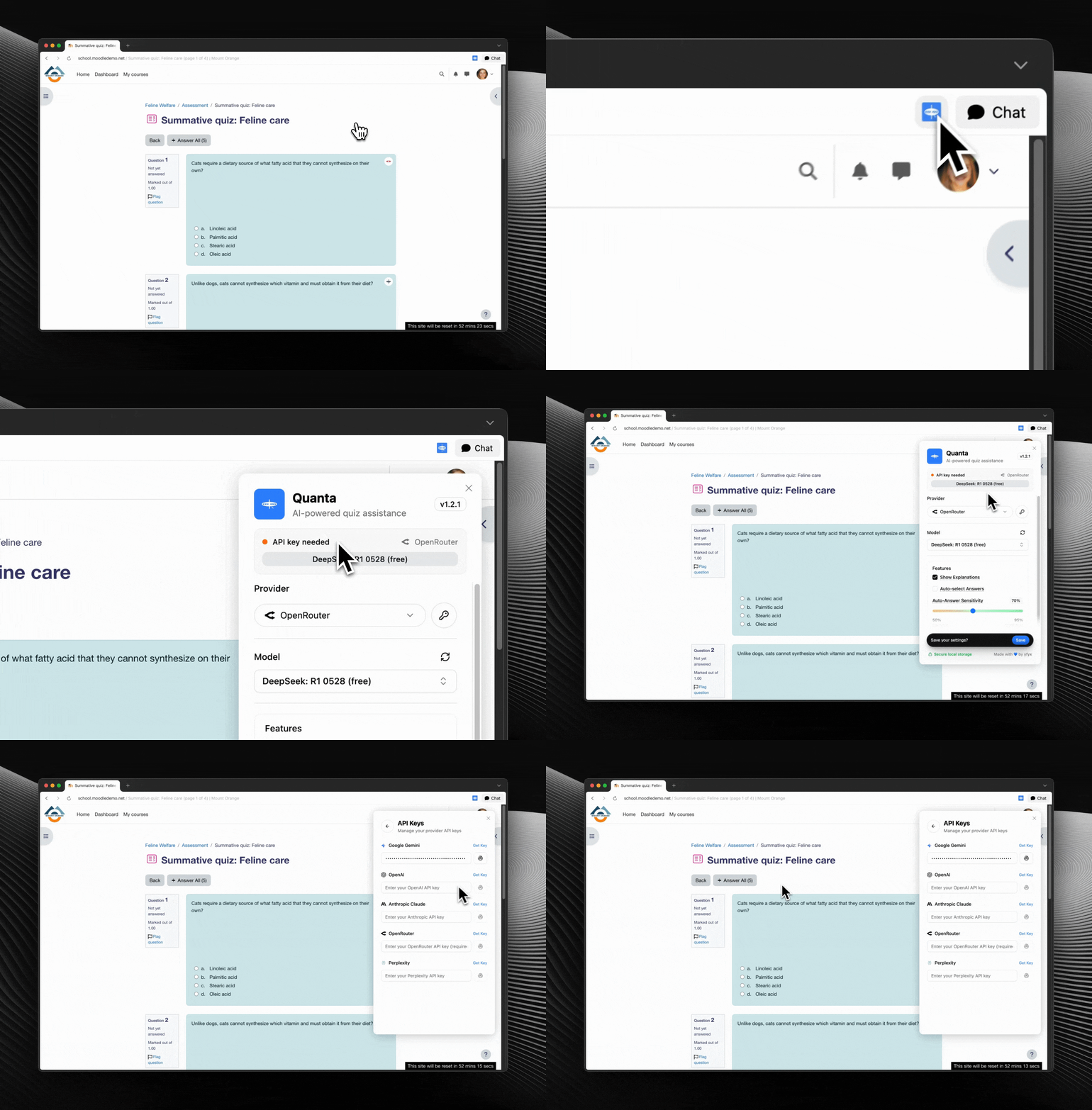
Quanta requires a configured AI provider and API key. If you haven't set those yet, see the Quickstart first.
Alpha Testing Examples
Single-Answer Question
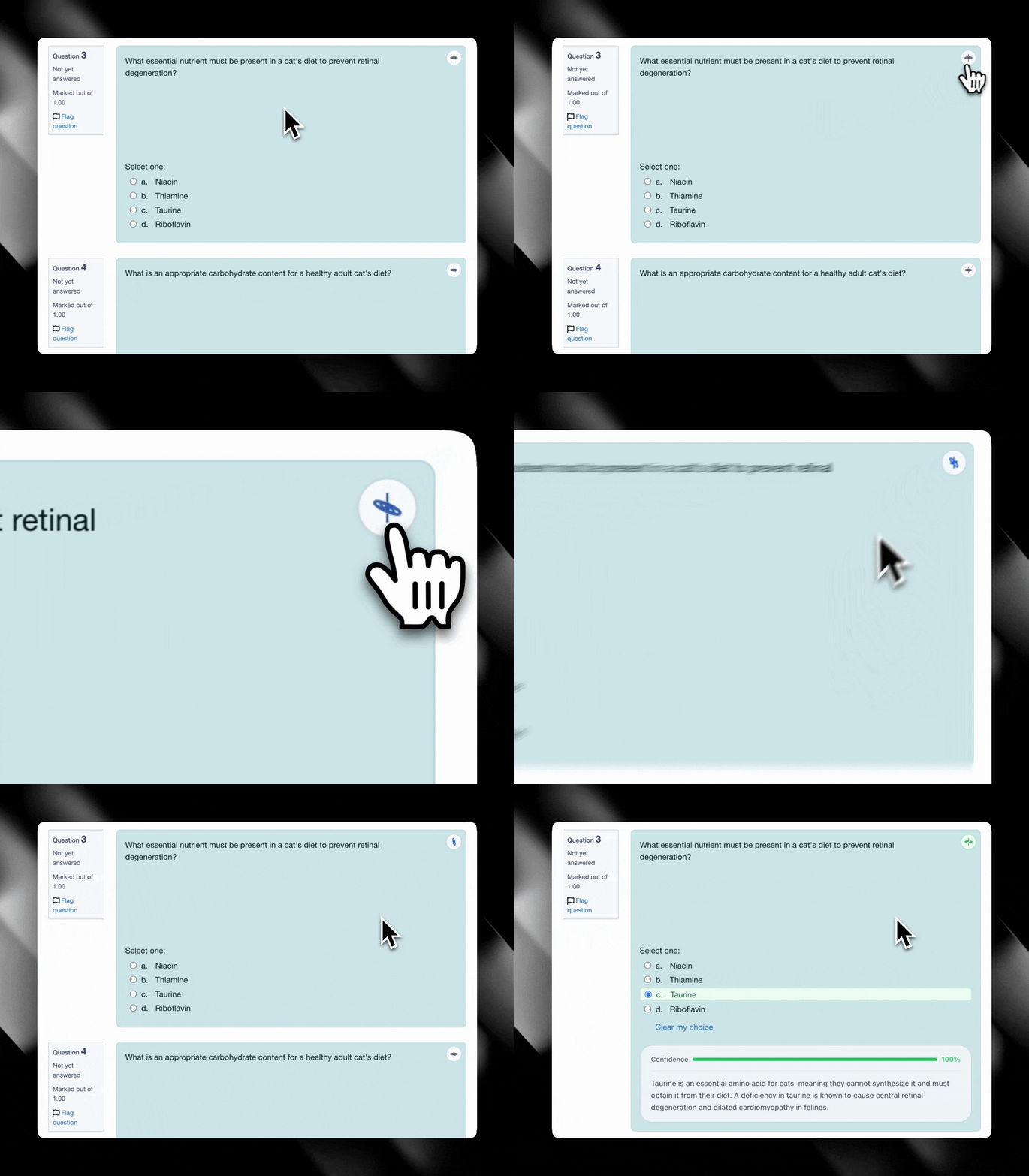
A typical single-answer question on Moodle. When you click "Get Answer with Quanta" the extension:
- Shows a loading state while the model is queried
- Selects the predicted answer
- Highlights the selected choice to indicate success
Multiple-Answer Question
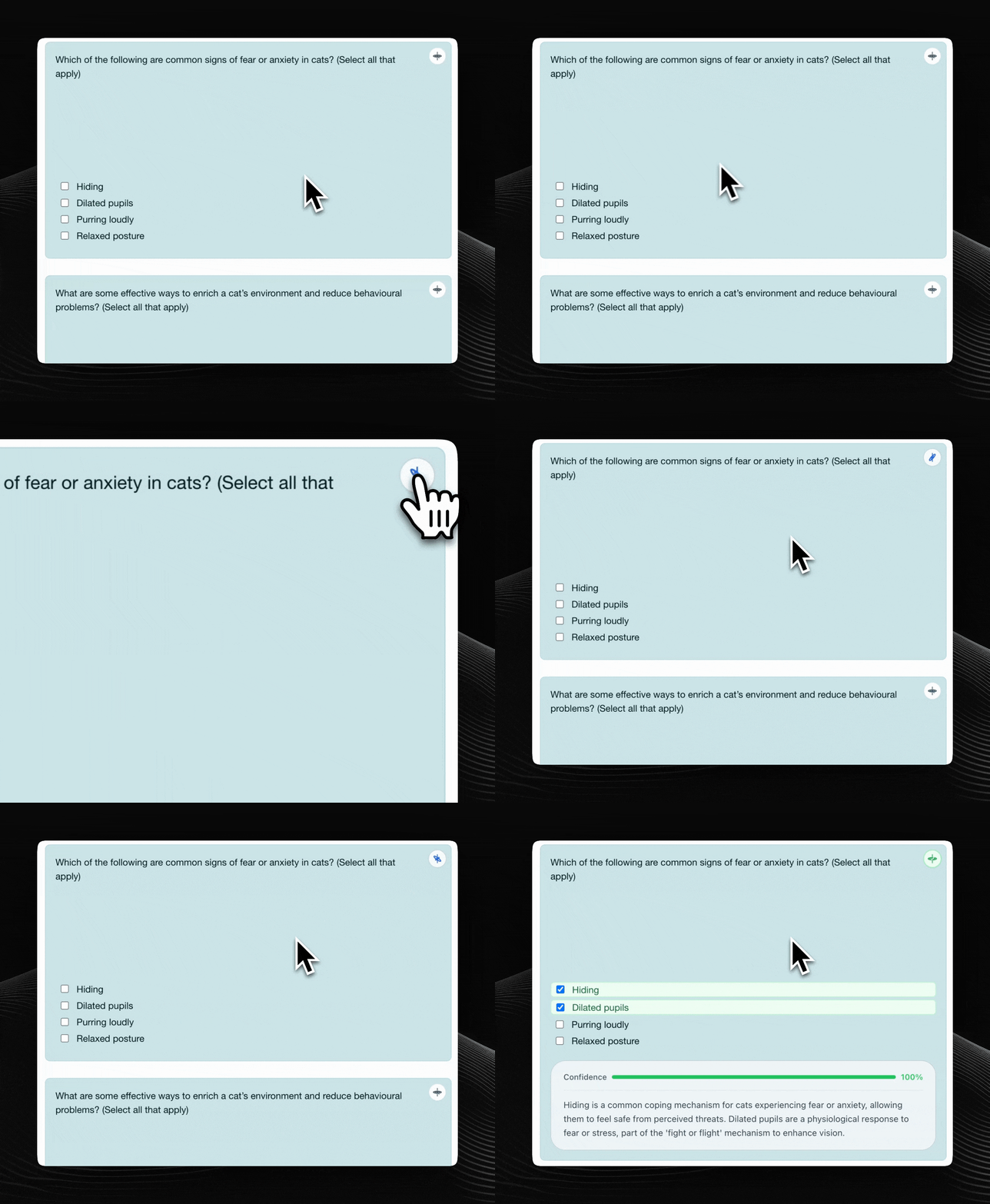
Quanta also supports multiple-answer questions. For these, Quanta may select multiple checkboxes and visually indicate the predicted correct set.
Error State
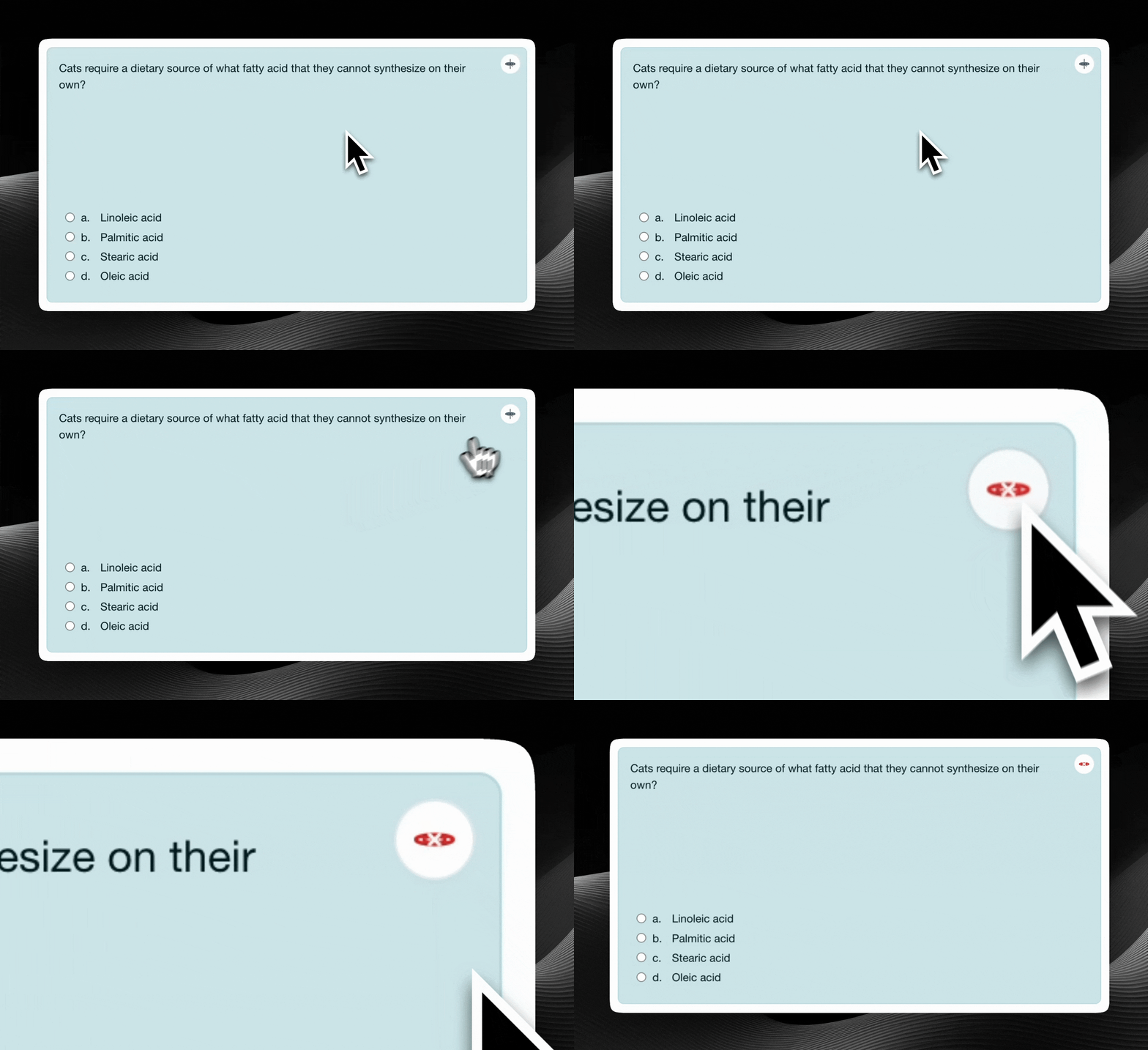
If Quanta can't provide an answer (missing API key, provider error, or network issue) it will surface a clear message and guidance on next steps.
These demos showcased how Quanta worked during alpha testing:
- Seamless integration: The
Get Answer with Quantabutton fits naturally into the Moodle UI. - Clear feedback: Visual cues for loading, success, and error states.
- Multiple question types: Support for both single- and multiple-answer questions.
Stay tuned
New examples with the latest UI are coming soon!
Last updated on